Pre-use inspections
A check before every shift, and the office knows when something is wrong.
The operator checks the truck or the machine when the shift starts and ends. If something is wrong, they take a photo and say what it is, and Fieldyard opens an incident so a manager sees it the same day.
- Start and end of shiftPlus any time
- Photo of every issueRequired, not optional
- Works with no signalSends itself later
What you get
Problems caught in the yard, not on the job.
Checks are part of starting and ending a shift, so they get done without anyone chasing them.
- Checks built into the shiftWhen the operator starts or ends a shift on a vehicle, they record its condition and its reading. No separate app or paper sheet.
- Issues need proofMarking Issues found needs a description and a photo or a short video of the damage, so the office sees what the crew saw.
- An incident, opened for youEvery issue found on a check opens an incident, so it gets tracked until it is fixed instead of sitting in a list.
- Managers hear about itManagers who turn on notifications get one on the phone when a check finds issues.
- Inspect any timeIf your company turns it on, anyone can inspect a vehicle without starting a shift, for example before a long haul.
- QR labels on machinesStick a label on each machine. Scanning it opens that machine on the phone with buttons to inspect it or report a problem.
- Your own checklists tooNeed a longer checklist for a machine? Build it in Safety Forms, item by item, and the QR label opens it already set to that machine.
- Works with no signalChecks are saved on the phone and sent by themselves, with the time they were done, when the phone gets signal.
See it working
What the crew sees.
Big buttons and few steps. The check is part of starting the shift.
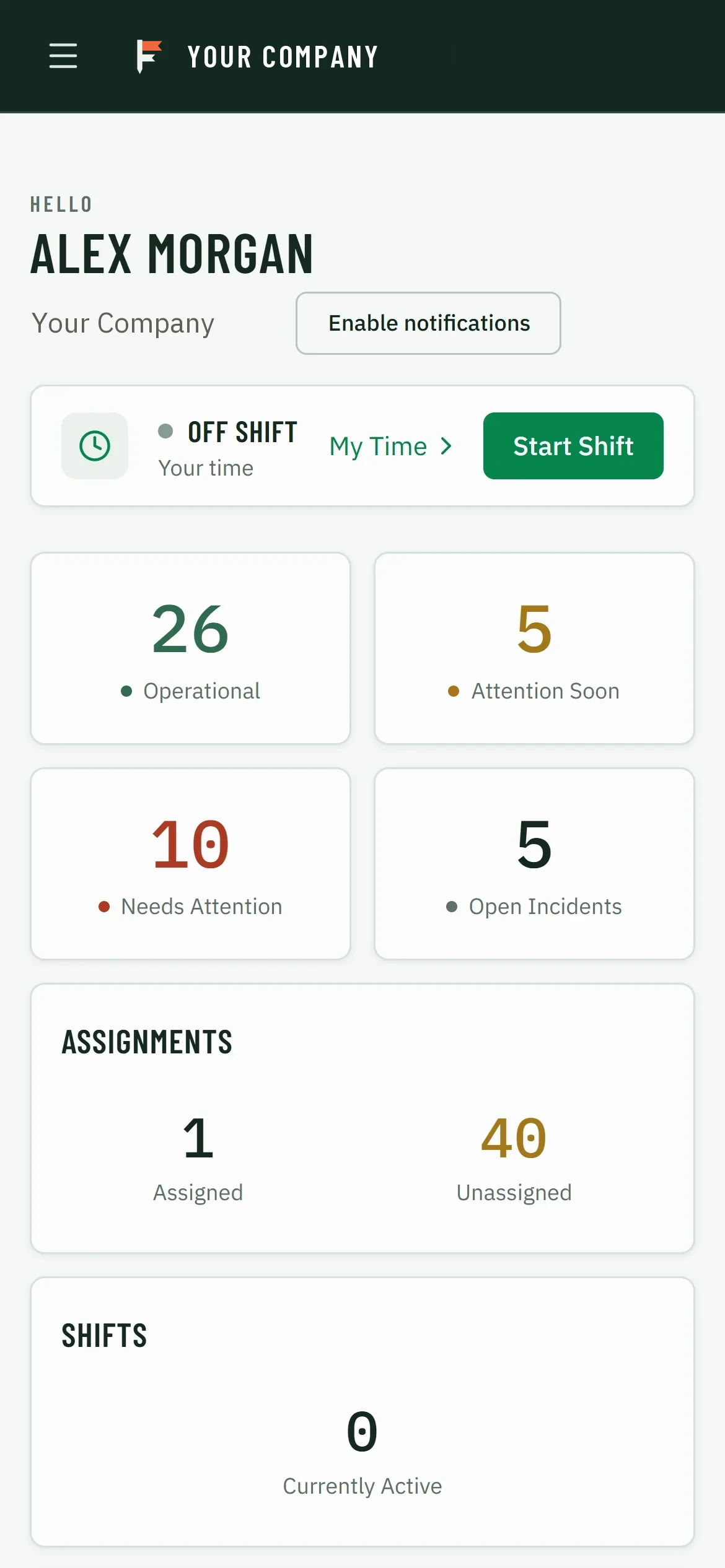
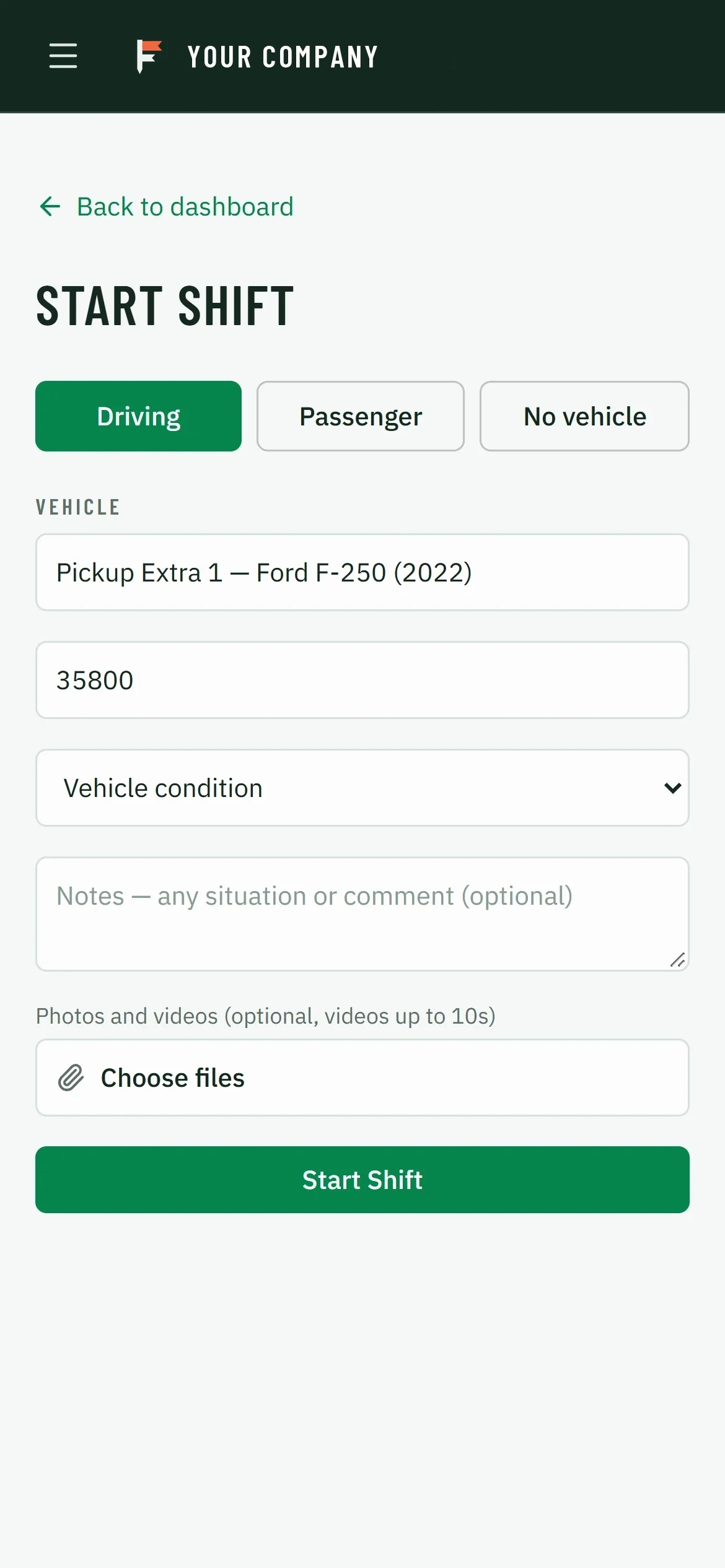
Real screens from Fieldyard. Your company name goes where it says Your Company.
How it works
From the walk-around to the shop.
Start of shift
The operator picks the vehicle, enters its reading and marks its condition. Good, or Issues found with a photo.
Issue found
Fieldyard opens an incident with the photo, and managers get a notification.
End of shift
The operator checks the vehicle again, so damage done during the day is caught the same day.
In the office
The Shift Log shows every check by day: who drove what, the readings, and the photos.
Questions
Questions about inspections.
Do inspections work with no signal?
Yes. The check is saved on the phone and sent by itself, with the time it was done, as soon as there is signal.
What happens when the operator finds a problem?
They mark Issues found, describe it and add a photo or a short video. Fieldyard opens an incident and managers who turn on notifications are told.
Can we use our own checklist?
Yes. Build it as a form in Safety Forms with one question per item. A form can ask for a vehicle, and the machine's QR label opens it already filled in with that machine.
Can someone inspect a vehicle without starting a shift?
Yes, if your company turns on Inspect Vehicle. It works any time and with no signal.
Where does the office see the checks?
On the Shift Log, grouped by day, with the readings, notes and photos of each check.
Book a demo
See a pre-use check on a crew phone in Fieldyard.
We'll show you Fieldyard with your company's name and your machines on it in a 20‑minute call. No setup fee and no contract: $69 per person a month.